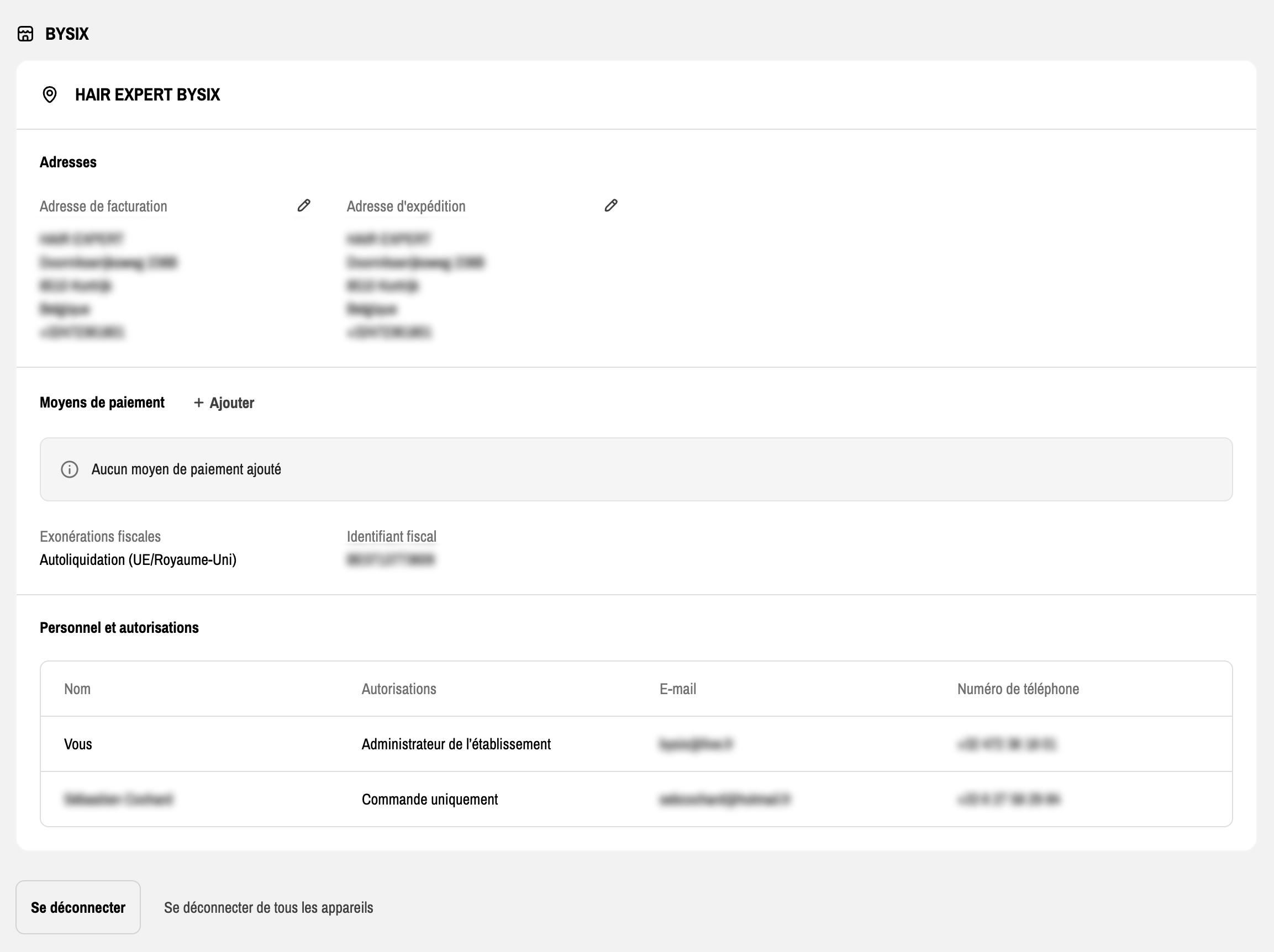
Since May 2023, adding and editing your VAT number is handled internally by our teams. When your VAT number is added to your account, it appears in your profile, in the section dedicated to your company “Tax ID” :

You can also find this VAT number on your invoices to download in your "Orders" area.
Before adding your VAT number to your account, our team checks your information. If your VAT number is active and validated for VAT exemption and your company is located in Europe but outside Belgium, you automatically get the 21% VAT exemption on each of your orders. If your company is located in Belgium, you pay the 21% VAT, but you get it back every quarter through your tax return. Want to check if your VAT number is active? Go to this link from the European Commission and enter your VAT number.
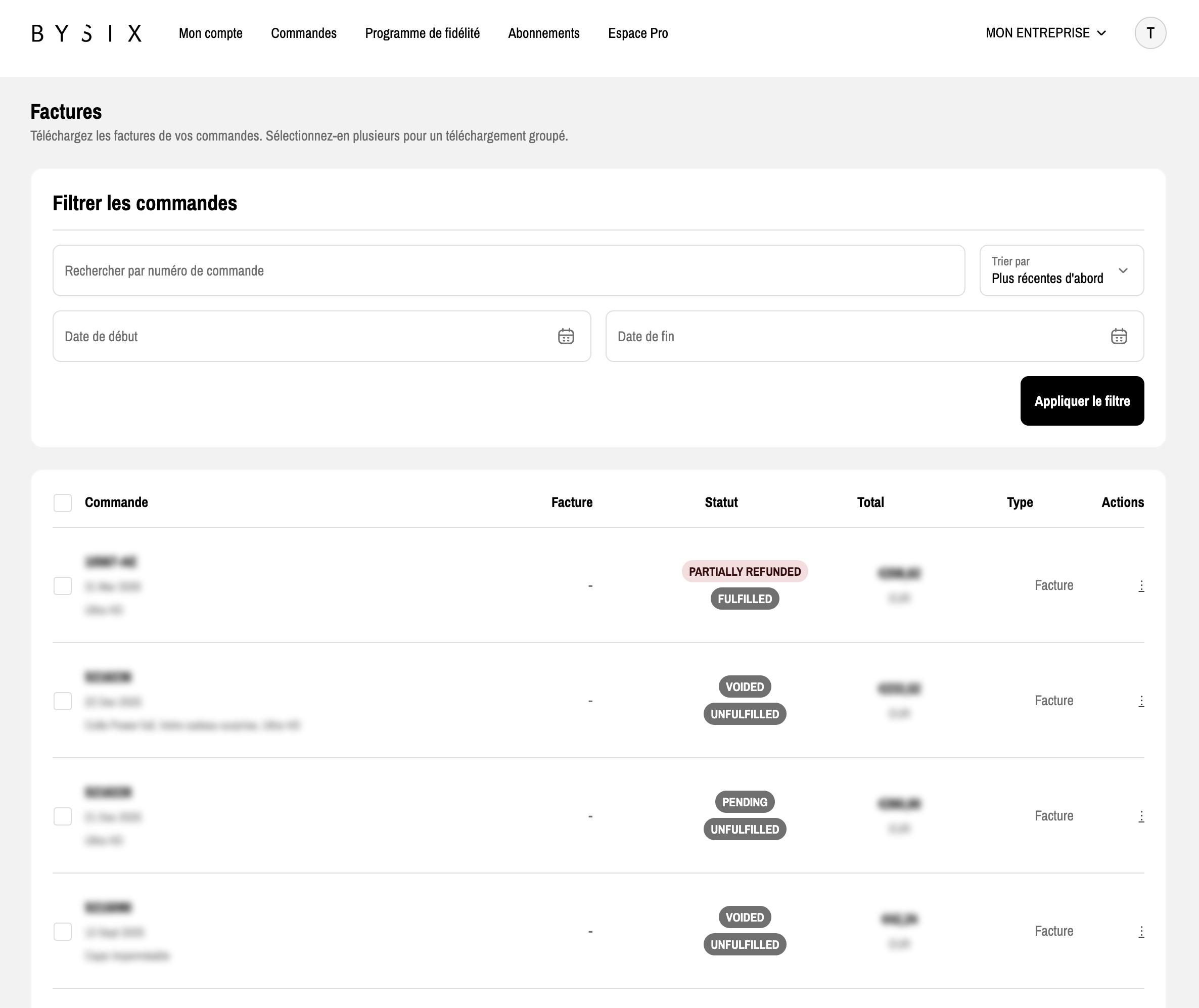
To download your invoice, go to the “Orders” tab and select the relevant purchase. You can also easily download the invoice from the main orders page using the three dots “Download invoice”.
You also have access to the billing portal, which lets you see all your invoices in one place. On this page, you can download batches of invoices and also filter your purchases.